
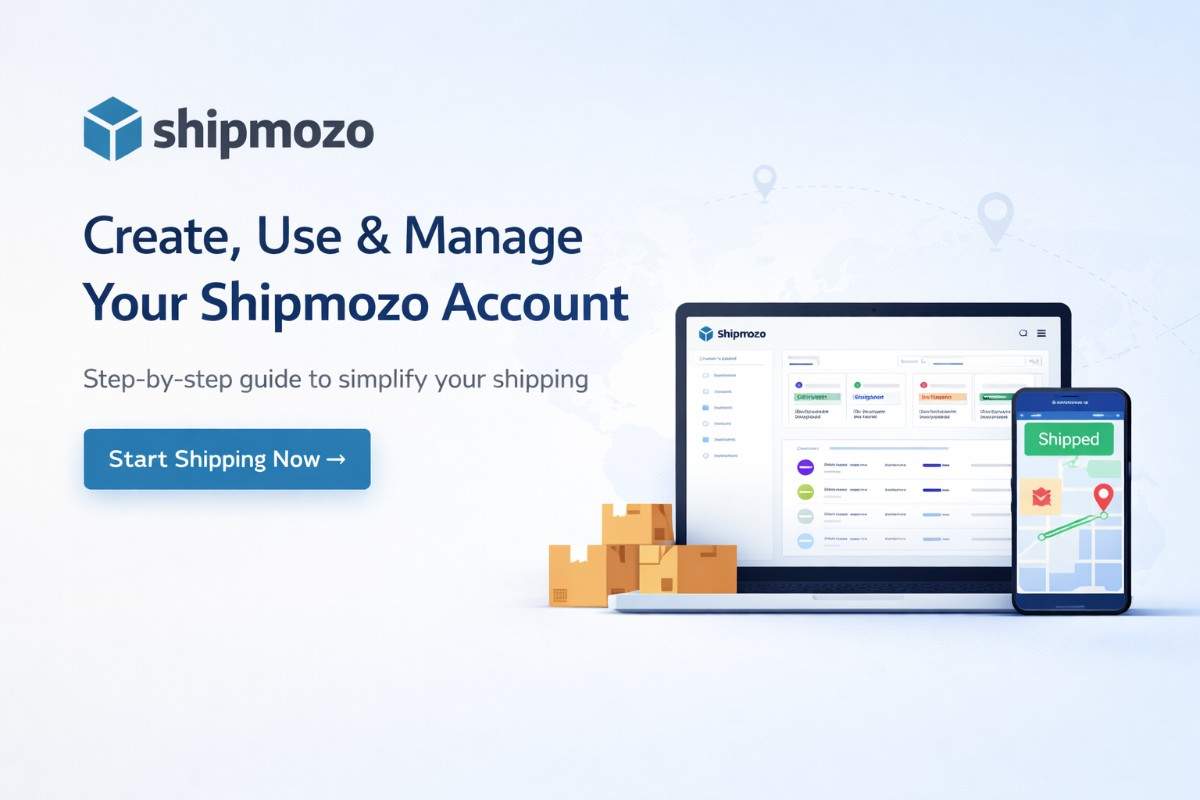
How to Create, Use & Manage a Shipmozo Account

If you're running an eCommerce business, shipping efficiency directly impacts your profit margins, delivery success rate, and customer experience.

That’s where Shipmozo comes in.

What is Shipmozo?

Shipmozo is an all-in-one shipping aggregator platform designed for eCommerce sellers.

Key Benefits:

  • Ships across 29,000+ pincodes
  • Access multiple courier partners
  • Reduce RTO by up to 45%
  • Start shipping from ₹21/500 gm.
  • Get real-time tracking + branded tracking page

Step 1: Create Your Shipmozo Account

Steps:

  1. Visit Shipmozo website
  2. Click on “Sign Up."
  3. Enter:
    • Name
    • Business email
    • Phone number
  4. Verify with OTP
  5. Create password

Your account is now created

Step 2: Complete Your Profile & KYC

To start shipping, you need to verify your business.

Required Details:

  • GSTIN (if applicable)
  • Pickup address
  • Bank account details
  • Business name

This ensures:

  • Smooth COD settlements
  • Faster courier onboarding
  • Accurate billing

Step 3: Add Your Orders

You can add orders in 3 ways:

✅ Manual Entry

  • Add order details one by one

✅ Bulk Upload

  • Upload Excel file
  • Ideal for high-volume sellers

✅ API Integration

  • Connect Shopify / WooCommerce / custom store

Step 4: Choose Courier & Ship Orders

Shipmozo automatically suggests the best courier based on the following:

  • Delivery speed
  • Cost
  • Success rate
  • RTO probability

Process:

  1. Select order
  2. Choose courier (or auto-select)
  3. Generate shipping label
  4. Pack & dispatch

Step 5: AI Courier Allocation

Unlike basic platforms, Shipmozo uses smart courier allocation logic.

What it does:

  • Picks courier with highest delivery success
  • Reduces failed deliveries
  • Improves COD conversion

Lower RTO + Higher profitability

Step 6: Track Shipments in Real-Time

Shipmozo provides:

Benefits:

  • Fewer WISMO queries
  • Better customer experience
  • Strong brand recall

Step 7: Manage Returns & NDR

Returns (RTO) kill margins—Shipmozo helps reduce them.

Features:

This directly improves delivery success rate

Step 8: COD Payments & Settlements

  • Fast COD remittance
  • Transparent billing
  • No hidden charges

Helps maintain healthy cash flow

Step 9: Analytics & Performance Tracking

Track:

  • Shipping cost per order
  • Courier performance
  • RTO rate
  • Delivery timelines

Make data-driven logistics decisions

Pro Tips to Succeed with Shipmozo

  • Use correct packaging dimensions
  • Enable NDR automation
  • Track courier performance weekly
  • Optimize shipping zones
  • Use branded tracking page

FAQs

1. Is Shipmozo free to use?

Yes, signup is free. You only pay for shipping.

2. Can I use Shipmozo without GST?

Yes (depending on category & business type).

3. How fast are COD payments?

Fast settlements with clear cycles.

4. Does Shipmozo reduce RTO?

Yes, with AI courier allocation + NDR system.

Conclusion

If you're serious about scaling your eCommerce business, you cannot rely on manual shipping anymore.

With Shipmozo, you get:

  • Automation
  • Cost control
  • Better delivery success
  • Scalable logistics

Start shipping smarter, not harder.

Start Shipping with Shipmozo Today
No minimum recharge. No hidden charges.

Sign up now and reduce your shipping costs from Day 1.

Kuldeep

Kuldeep Karki is a Digital Marketing Manager at Shipmozo, specializing in performance marketing, SEO, and growth strategy. With over 6+ years of experience in digital marketing, he has worked extensively on scaling B2B and eCommerce brands through data-driven campaigns across Meta Ads and Google Ads.


Seller

Kuldeep Karki is a Digital Marketing Manager at Shipmozo, specializing in performance marketing, SEO, and growth strategy. With over 6+ years of experience in digital marketing, he has worked extensively on scaling B2B and eCommerce brands through data-driven campaigns across Meta Ads and Google Ads.

Linkedin

Kuldeep

Sagacity

Financial Analyst
whatsapp