

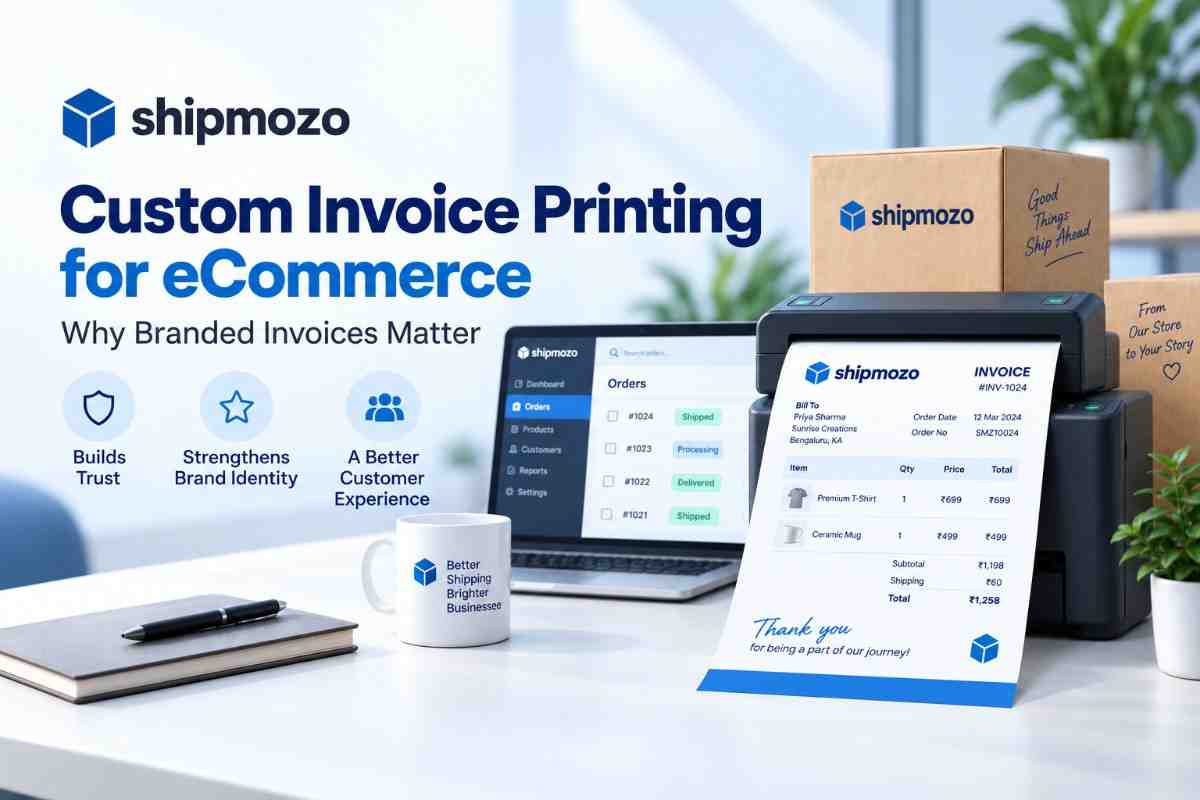
For an eCommerce customer, the delivery package is often the first physical interaction with a brand. The product, packaging, shipping label, and invoice all contribute to the buyer’s impression. That is why custom invoice printing ecommerce businesses use can be more than an administrative requirement. A well-designed invoice can reinforce brand identity, clarify the order, and make the unboxing experience feel more professional.
Many online sellers still treat invoices as plain documents generated by a courier or accounting system. These documents may contain the required transaction details, but they often miss the opportunity to communicate clearly with the customer. A branded format can show the business name, logo, contact information, tax details, product information, and return instructions in an organised way.
Invoice customisation does not mean adding decorative elements at the expense of accuracy. The document must remain easy to read and operationally useful for packing teams, delivery partners, customer support staff, and buyers. The practical goal is to combine compliance, clarity, and brand consistency in one document.
This guide explains what customised invoice printing involves, why it matters for online sellers, how to implement it, and which mistakes can create avoidable order or compliance problems.
Custom invoice printing for an online store means generating a purchase invoice in a format that reflects the seller’s business identity and operational requirements. Instead of using a generic document, the seller can configure elements such as the brand logo, business name, registered address, tax information, order number, billing address, shipping address, product details, quantities, prices, discounts, shipping charges, taxes, and final payable amount.
The invoice is usually printed and placed inside the parcel, although some sellers also provide a digital copy through email or an order portal. The printed document supports the physical order, while the digital version helps customers access transaction details after delivery.
A useful invoice should answer basic questions without requiring the customer to contact support. What was ordered? How many units were included? What amount was paid? Was tax applied? Which business supplied the product? What should the customer do if the order needs to be returned or exchanged?
Effective customisation focuses on useful information and consistent presentation. A logo at the top, a readable item table, accurate tax values, and clear support details are more valuable than excessive colours or complex graphics. The document should remain legible when printed in black and white and should not become difficult to scan or archive.
For businesses selling through marketplaces, their own website, social commerce channels, or multiple storefronts, invoice formats may also need to accommodate different order sources. The core information should stay consistent, while channel-specific fields can be included where necessary.
An invoice reaches the customer at a high-attention moment: when the parcel has arrived and the buyer is checking its contents. Unlike a digital advertisement, it is physically connected to the product and remains available for reference. This makes it a practical touchpoint for trust, service, and brand recall.
For small and growing businesses, this detail can be especially important. Customers may discover the brand through an advertisement or marketplace listing, but the parcel is where the business demonstrates how well it handles the complete order journey. A confusing or incomplete invoice can undermine confidence even when the product itself is correct.
A professionally formatted document signals that the seller has organised processes behind the storefront. Consistent business details, tax information, and support contact points help customers identify the supplier and retain proof of purchase. This is useful for warranty claims, exchanges, accounting records, and customer service conversations.
Customers may place multiple orders, purchase several variants, or receive split shipments. A clear invoice makes it easier to match the package with the correct order. Product names, SKU references, quantities, and values help the buyer and packing team identify discrepancies quickly.
When an invoice includes the order number and relevant contact details, the customer can raise a query with the information support teams need. This reduces unnecessary back-and-forth and helps agents locate the transaction faster. The invoice does not replace an order management system, but it provides a dependable reference when the parcel is already in the customer’s hands.
Businesses also need to consider the wider fulfilment process. Clear documentation works best when combined with reliable shipping integration, accurate order data, and disciplined packing checks.
Invoice customisation can improve several parts of the post-checkout experience. Its value is not limited to visual branding. When the information is structured properly, the document supports fulfilment, customer communication, financial records, and returns handling.
These benefits depend on data quality. A branded invoice with incorrect quantities, tax values, or payment status creates more risk than a plain but accurate document. Presentation should always follow operational accuracy.
Implementing a customised invoice process requires coordination between commerce, finance, fulfilment, and customer support teams. The following steps provide a practical starting point for an online seller.
For high-volume sellers, automation can reduce manual copying and formatting work. The exact setup depends on the store platform, order workflow, and shipping technology in use. Sellers should confirm that the generated document reflects the final order data rather than an earlier draft.
The best invoice processes are designed around the people who use the document. Customers need clarity, warehouse teams need speed, finance teams need accurate records, and support teams need identifiable references. A template that works for one group but creates friction for another will eventually lead to avoidable corrections.
The buyer should be able to locate the invoice number, order number, total payable amount, and seller details within seconds. Use headings, spacing, and a logical sequence rather than filling every available area with text.
Generic descriptions such as “shirt” or “item” may not be enough for orders containing multiple variants. Include useful identifiers such as size, colour, model, or SKU where they are available. This supports returns, warranty claims, and warehouse verification.
Display the taxable value, tax components, discounts, shipping charges, and total in a way that can be followed. If the order is prepaid, indicate the payment status accurately. If it is COD, make the collection amount prominent and ensure it matches the shipping record.
Provide a customer support email address, phone number, website, or other approved contact method. If the seller has a defined return window, mention where the customer can read the complete policy. Avoid printing instructions that are too general to help the buyer take the next step.
Only print information that is operationally or legally necessary. Avoid exposing sensitive payment data or unnecessary personal details. Store and handle digital invoice records according to the business’s internal data protection practices.
An invoice is not the same as a shipping label, airway bill, packing slip, or proof of delivery. Each document has a different purpose. The invoice should support the order and transaction, while the shipping label must carry the information required for movement and delivery. Clear separation prevents teams from using the wrong document for the wrong task.
Businesses managing several carriers may benefit from reviewing their multi-courier workflow so invoice generation and dispatch checks fit into the same operational sequence.
Invoice problems usually emerge from weak process controls rather than poor design. A template may look polished during approval but fail when it encounters real orders, unusual addresses, product bundles, refunds, or changes in tax treatment.
When a mistake reaches the customer, the remedy should be documented. Record the issue, identify whether it came from order data, template logic, printing, or packing, and update the relevant control. This approach prevents the same error from appearing across future shipments.
Both formats can contain the core transaction information, but they differ in consistency, flexibility, and customer-facing value. The right choice depends on order volume, regulatory requirements, brand maturity, and the complexity of the fulfilment operation.
For a small seller with occasional orders, a carefully checked template may be adequate. For a growing brand, the more important question is whether the document can remain accurate across many order types without creating extra manual work. The invoice process should scale with the business, not depend on one person remembering every exception.
Custom invoice printing ecommerce businesses use can strengthen more than visual presentation. A well-structured invoice improves order clarity, supports customer service, reinforces business credibility, and gives buyers a useful record for returns, warranties, and accounting. Its effectiveness depends on accurate order data, readable design, correct payment details, and regular process reviews.
Shipmozo helps businesses build a more organised shipping workflow with relevant capabilities such as Invoice Customization, B2C Shipping, Channel Integration, and Order Management. Used together with disciplined packing checks, these capabilities can help sellers present a consistent experience from checkout to delivery.
A branded invoice is a small operational detail, but it is one that customers can see and use. Start with the fields that matter, test real order scenarios, and refine the format as your business grows. Start Shipping Today
It is the process of generating invoices with a seller’s branding and required transaction information, including business details, order references, product data, taxes, payment status, and total value. The document can be printed inside the parcel or shared digitally.
Branded invoices help customers identify the seller, understand what they purchased, verify the amount paid or payable, and retain proof of purchase. They also support packing checks, customer service, returns, and a more consistent post-purchase experience.
An invoice should generally include the seller’s legal details, invoice number, invoice date, order number, customer information, product descriptions, quantities, prices, discounts, shipping charges, applicable taxes, payment method, and final amount. Businesses should confirm specific requirements with their tax or accounting adviser.
Yes. The document can show the amount to be collected and the order or payment reference. The printed value must match the final COD amount in the shipping and order records to avoid confusion during delivery.
Use controlled templates, map fields from the final order data, and test prepaid, COD, discounted, cancelled, split, returned, and multi-item orders. A packing-stage comparison between the invoice, order record, and parcel contents provides an additional check.
No. An invoice records the commercial transaction, while a shipping label carries information needed to route and deliver the parcel. They serve different purposes and should be kept clearly distinct even when both are generated during fulfilment.


Ankit Debnath is a sales and marketing professional with 4+ years of experience in the logistics industry, specializing in managing B2B and B2C key accounts. At Shipmozo, he focuses on driving growth through client acquisition, lead generation, and strategic relationship management. Passionate about building strong client relationships and delivering results, he brings a practical, growth-oriented approach to logistics and business expansion.





.webp)